Everything You Need to Know Before Ordering a Digital Invitation
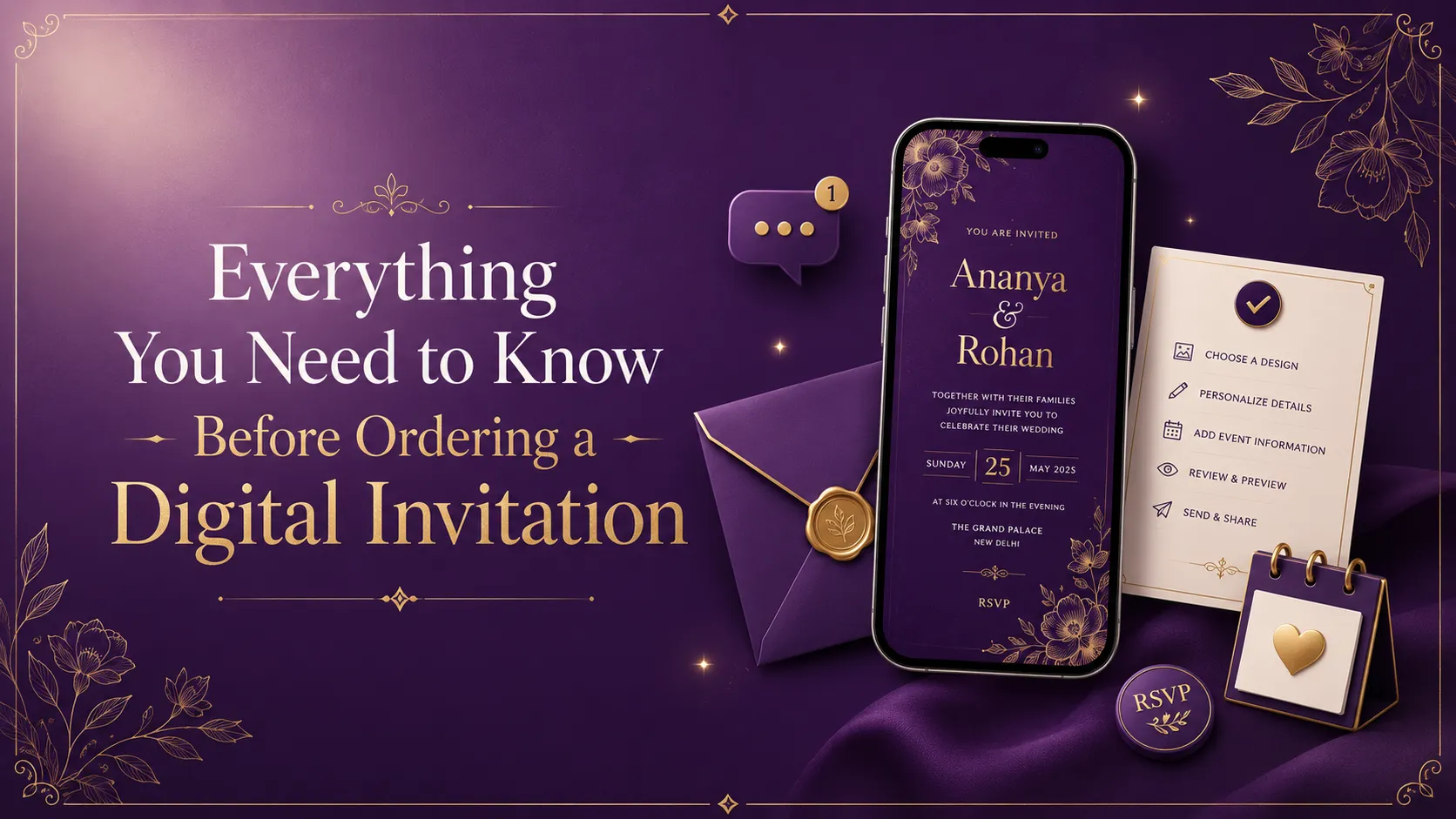
Ordering a digital invitation may seem simple, but choosing the right design, format, and service can make a huge difference. Whether you're planning a wedding, birthday, baby shower, housewarming, engagement, anniversary, or naming ceremony, this guide covers everything you need to know before placing your order. From selecting the perfect theme to understanding file formats and delivery timelines, this article will help you make the right decision and avoid costly mistakes.
Everything You Need to Know Before Ordering a Digital Invitation
Ordering a digital invitation is simple when you know what to prepare. From theme selection to file format, delivery time, revisions, and WhatsApp sharing, every detail matters.
What Is a Digital Invitation?
Digital invitations are now used for weddings, birthdays, baby showers, engagements, housewarming ceremonies, naming ceremonies, anniversaries, corporate events, and religious functions.
They are popular because they are fast, customizable, budget-friendly, eco-friendly, and perfect for modern mobile-first sharing.
Types of Digital Invitations You Can Order
Everything to Check Before Ordering a Digital Invitation
Choose the Right Invitation Type
Before placing your order, decide whether you need a static invitation card, animated invitation video, Save the Date video, WhatsApp invitation, Instagram story invitation, or a complete invitation package. The right format depends on your event type, budget, and sharing platform.
Select a Theme That Matches Your Celebration
Your invitation should match your event theme. A wedding invitation may use royal, floral, traditional, or minimal luxury themes. A birthday invite may use jungle safari, princess, unicorn, space, or Boss Baby designs. A baby shower invitation may use teddy bear, floral, moon and stars, or traditional Indian themes.
Keep Your Event Details Ready
Prepare the event title, host names, date, time, venue, Google Maps link, RSVP number, dress code, ceremony details, and family names before ordering. Clear details help the designer complete your invitation faster.
Use High-Quality Photos
If your invitation includes couple photos, baby photos, child photos, or family pictures, always provide high-resolution images. Blurry or low-light photos can reduce the premium look of your invitation.
Choose Background Music Carefully
Music changes the mood of a video invitation. You can choose romantic instrumental music for weddings, devotional music for rituals, soft piano for elegant events, or playful music for kids’ birthdays. Always choose music that matches the event emotion.
Ask What Can Be Customized
Before ordering, ask whether colours, fonts, music, photos, language, background, icons, animations, and layout can be customized. A good digital invitation should feel personal, not like a generic template.
Understand the Delivery Timeline
Ask how long the invitation will take, whether urgent delivery is available, and how much time revisions may require. Most custom digital invitations take 1 to 3 business days depending on complexity.
Confirm the Final File Format
Digital invitations are usually delivered as MP4 videos, JPEG images, PNG images, PDF files, Instagram story formats, or WhatsApp-friendly files. Choose the format based on where you plan to share it.
Check the Revision Policy
Mistakes can happen, so ask how many revisions are included. Confirm whether changes to spelling, date, time, venue, photos, music, and wording are allowed after the first draft.
Make Sure It Is Mobile Friendly
Most guests will open your invitation on a phone. The text should be readable, details should be clear, video size should be easy to share, and the format should work well on WhatsApp and Instagram.
Important Details to Share With Your Designer
Event title • Host names • Date • Time • Venue • Google Maps link • RSVP number • Dress code • Family names • Ceremony details • Theme preference • Music preference • High-quality photos • Preferred language • Delivery date
Common Mistakes People Make While Ordering
Digital Invitation Card vs Invitation Video
Digital Invitation Card
Best for simple announcements, quick sharing, budget-friendly events, and guests who prefer a clean visual card.
Invitation Video
Best for premium events, weddings, birthdays, baby showers, and celebrations where you want music, animation, emotion, and storytelling.
Questions to Ask Before Ordering
Can I customize the design? • How many revisions are included? • What is the delivery time? • Which file formats will I receive? • Can I share it on WhatsApp? • Can I upload it on Instagram? • Can Google Maps be included? • Can multiple languages be used? • Is urgent delivery available?
Frequently Asked Questions
Can I edit my digital invitation later?
Yes, but it depends on the revision policy. Always confirm how many changes are included before ordering.
Which format is best for WhatsApp?
MP4 videos and high-quality JPEG or PNG invitation cards are best for WhatsApp sharing.
How long does it take to create a digital invitation?
Most personalized digital invitations take 1 to 3 business days depending on the design complexity, animation, photos, and revisions.
Are digital invitations suitable for every occasion?
Yes. They work beautifully for weddings, birthdays, baby showers, housewarming ceremonies, engagements, naming ceremonies, anniversaries, corporate events, and rituals.
Create Premium Digital Invitations with Daily Branding Invites
At Daily Branding Invites, we create fully personalized digital invitation cards and animated invitation videos for weddings, birthdays, baby showers, housewarming ceremonies, anniversaries, engagements, naming ceremonies, rituals, and corporate events.
Every invitation can include premium designs, high-quality animations, background music, personal photographs, Google Maps details, WhatsApp-ready format, and fully customized layouts.
Explore Digital Invitation Designs